
CRS v2.16.19083
Home › Forums › Computer Repair Shop Software (CRS) › Changelog › CRS v2.16.19083
- This topic has 0 replies, 1 voice, and was last updated 7 years, 4 months ago by
Paul Betteridge.
-
AuthorPosts
-
March 23, 2019 at 1:25 pm #7821
Paul Betteridge
KeymasterWe have been working hard in the last 6 months improving the core of CRS software and please to release our slightly overdue 6 monthly Major Release with lots of internal improvements and updates.
Note: invoice.html template has been edited. Before Updating CRS please backup your templates and ensure any custom templates are saved in their own folder.
New Features
Google Auto-Address Lookup – When booking in customers (Go to Settings->Api to configure). It even knows your location and filters the addresses closer to you first making it even faster to find an address.
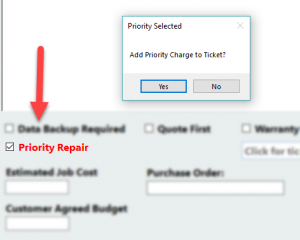
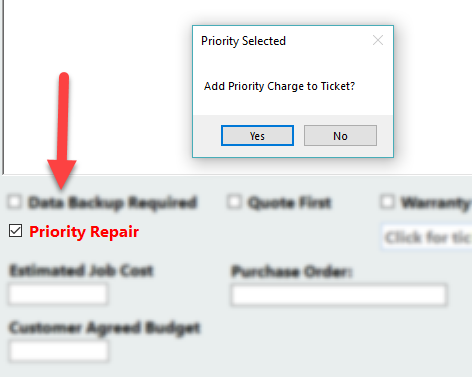
Auto-Add Priority Fee – If you charge an extra fee for express/priority jobs you can now auto-add the fee to the invoice charges on ticking the “Priority Repair” box.
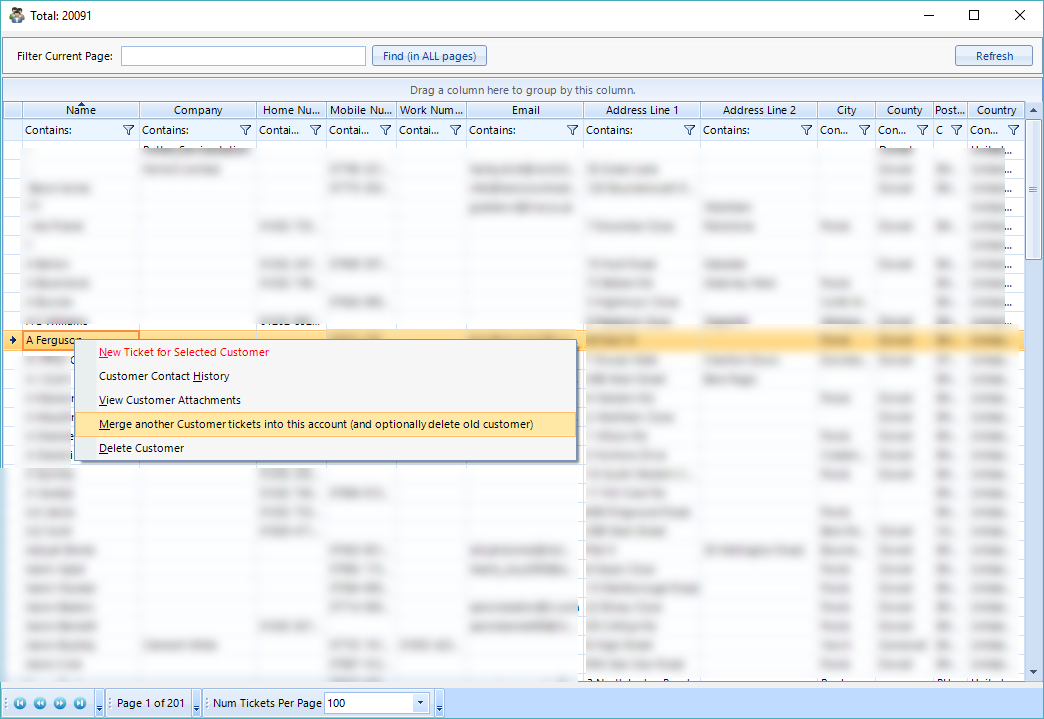
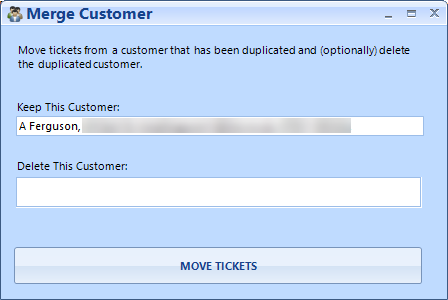
Merge Customer – Right Click and select Merge Customer and choose the customer you want to merge and delete with. No more duplicate accounts.


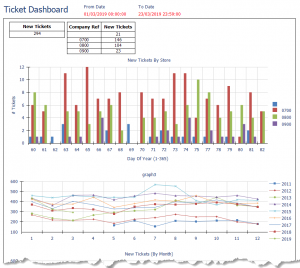
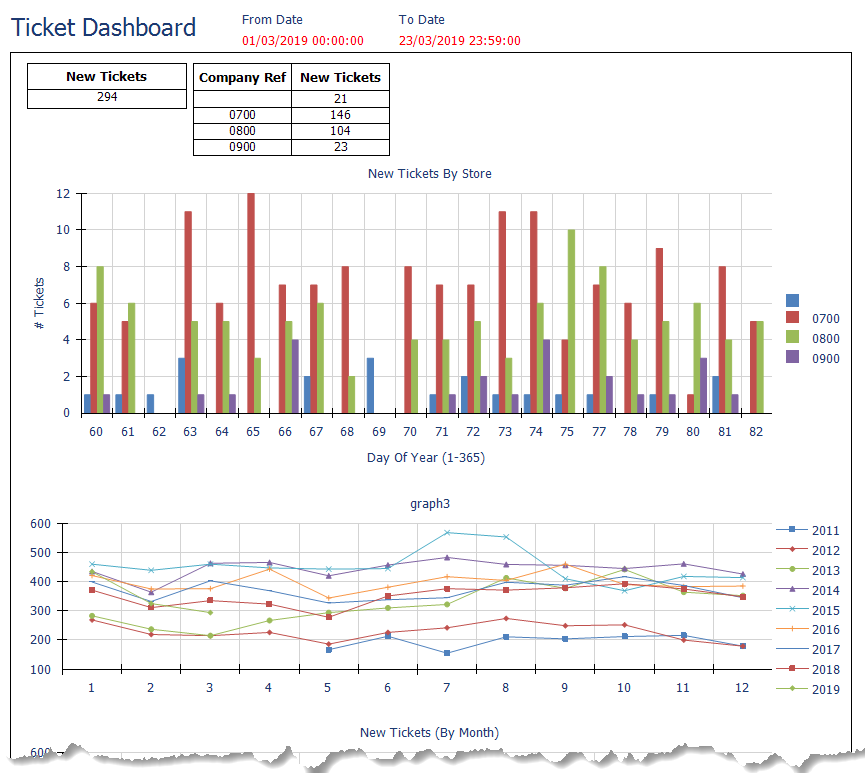
New Reports Added – New Tickets report. Gives you an overview of tickets booked in over your specified time span. Completed Tickets Report is really important if you want to follow up with customers on their recent jobs. Warranty Tickets Report gives you an overview of warranty jobs.
Job Watch – Click on the “Eye” icon on the job and get email updates whenever this job is updated.
Customer Watch – Click on the “Eye” icon to get email updates whenever a customer is updated (i.e. new jobs booked in).
Added Support for Brother 810 Labeller Black and Red Printers. Brother Label Templates added.
Apple Serial numbers can be checked via EveryMac website when you book in any Apple device
Capture Customer Signature – Can be found in the Tools menu and if enabled in settings will show when clicking Save on a new ticket (still in beta but functional in this release).
Improvements
Live Data Board – Added Device Models to show which models are being booked in.
Parts ordering – you can request a screen to show to ask for vendor VAT/Tax Number. Good if your staff are ordering parts and you want to keep a paper trail.
ClickATell SMS Updated to latest API changes.
When booking in a new repair, a check is complete for an existing phone number so you can load the existing customer instead of creating a new account.
Point Of Sale – Shows Product information to give you more info on the item you are selling.
When searching for inventory, the barcode is default but if you use text, the search switches to a text/description search instead of the barcode.
Inventory – Shows Stock Location from the main screen without needing to open the part.
Custom Fields added to Job. CustomJob1 and CustomerJob2 can be found in the Check-In Job section. Names can be changed in settings (CustomJob1 defaults to “Purchase Order”). Go to Settings to enable these fields.
Reports Viewer updated so it stays open when showing financial reports making it more productive to use.
HW Tests can now be changed and edited in Settings.
SMS now inserts customer first name i.e. “Hi Bob, this is Paul from….” to make the message more personal.
CRS now works better on smaller screens – Minimum Resolution recommended is 1280 x 900.
Coming (very) Soon
Custom Product Builder – This feature was pencilled for this release but needs some final testing. This will allow you to create a single product that you can search for in POS and Inventory and it is made up of several other products. This is handy if you sell Custom PCs allowing you to create a single product comprising of CPU, SSD, RAM, Motherboard, Case, Build Labour etc. All items will be allocated from stock. Another really good use of this feature is repairs – for example you, would search for iPhone 7 Screen Repair and this will be made up of a Screen and Labour. You can optionally show each build item on the invoice or just top level name.
Software4Techs – Our sister company is currently working on a web-based tool to allow you to run CRS, iPOS, Manage & Monitor Customers Devices all from a single web-based interface. This is really exciting. Please keep an eye out for an announcement very soon for this highly anticipated tool.
-
AuthorPosts
- You must be logged in to reply to this topic.